
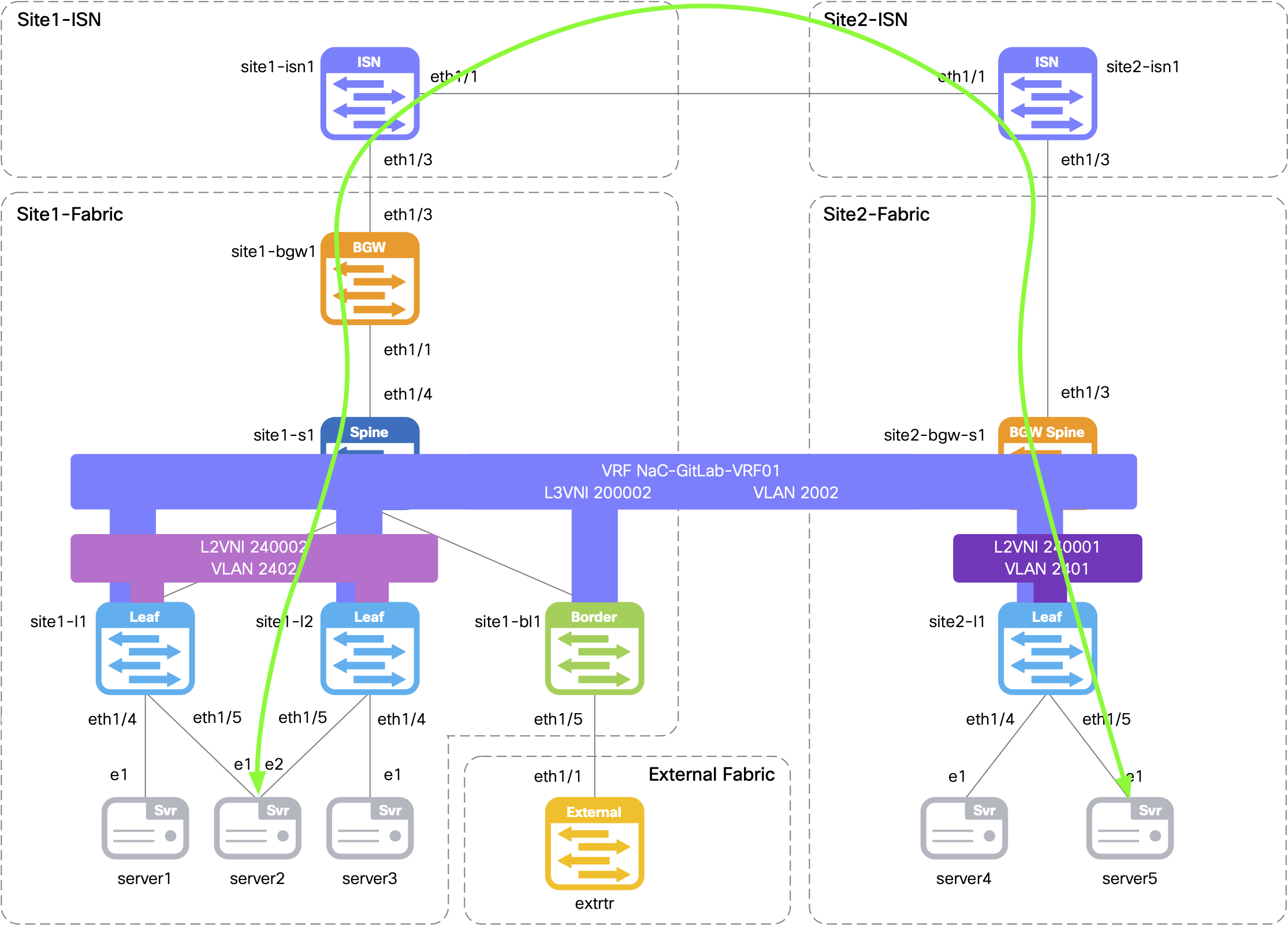
Return to your terminal window and connect to Server5, located in Site2, to verify connectivity over the Multi-Site overlay to Server2 located in Site1.
If prompted to accept the RSA key fingerprint like below, type or copy yes and then input the password below.
When prompted, the password is cisco.123 .
ssh -l cisco 10.15.30.105
cisco@10.15.30.105's password:
Initiate a ping from Server5 to Server2's IP address of 192.168.3.101.
ping -c 5 192.168.3.101
Output:
PING 192.168.3.101 (192.168.3.101): 56 data bytes
64 bytes from 192.168.3.101: seq=1 ttl=42 time=24.871 ms
64 bytes from 192.168.3.101: seq=2 ttl=42 time=21.887 ms
64 bytes from 192.168.3.101: seq=3 ttl=42 time=31.369 ms
64 bytes from 192.168.3.101: seq=4 ttl=42 time=19.541 ms

--- 192.168.3.101 ping statistics ---
5 packets transmitted, 4 packets received, 20% packet loss
round-trip min/avg/max = 19.541/24.417/31.369 ms
Disconnect from Server5 by typing exit.
exit
Connection to 10.15.30.105 closed.
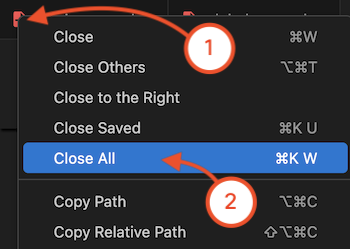
Navigate back to your VSCode application.
Time permitting, continue to the next section as a bonus to explore Terraform for Nexus Dashboard / Nexus Dashboard Fabric Controller.